
This guide covers Git and Bitbucket tutorial with practical steps you can copy into a real project.
Git and Bitbucket tutorial
In this article, I will explain how to work with Git and Bitbucket. This is a hands-on example for beginners.
Before you start, it helps to understand what Git and Bitbucket are. Please read a few of the articles below.
Step 1: Download and install Git
Download Git https://git-scm.com/download and then install.

You do not need to change anything during installation. Click Next through the whole process.
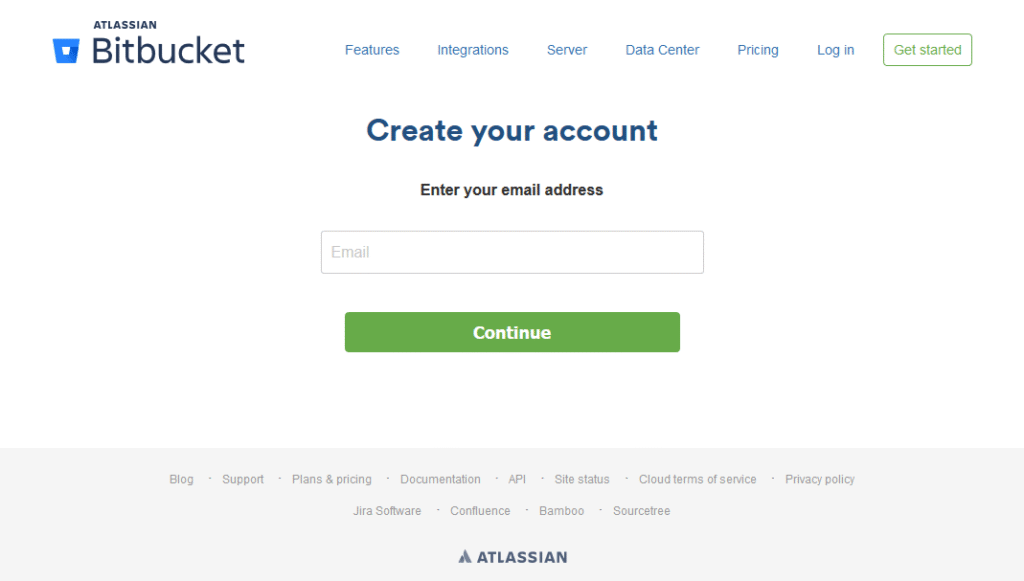
Step 2: Create an account at Bitbucket
Create an account at https://bitbucket.org
Step 3: Run Git Bash

Step 4: Git setup commands (first-time Git setup only)
- git config –global user.name “Name” e.g. (git config –global user.name “yuvrajkhavad”)
- git config –global user.email “your email id” e.g. (git config –global user.email “you@example.com”)
- ssh-keygen
- Press enter without entering any file name.
- Enter a password twice. Git will then show the path of the newly generated file. (Note: You will use this password to clone, push, and pull.)
- Open the folder shown in Git Bash and copy the key from that location.
- Then add the key in Bitbucket
- Log in to Bitbucket.
- Go to View Profile
- Click on SSH keys and then Add key.
- Paste the key into the text box:
- Click Add key. You’re done!
- Then create a new project repository and copy the project URL. You will need it in step 5.1.
Step 5: Move to the folder where you want to clone the project
- cd c: (Note: move into the C: directory)
- cd test/ (Note: move into your project folder)
Step 5 (continued): Clone (copy) the project onto your computer (first time only)
- git clone <git repo url> e.g. (git clone git@bitbucket.org:zindexsolutions/test.git)
- Then type “yes”
- Then enter your password
Step 6: Regular commands
- git status
- git add . / -A e.g. (git add .)
- git commit -m “<commit message>” e.g. (git commit -m “First Commit”)
- git pull origin <branch name> e.g. (git pull origin master) copies files from Bitbucket to your computer
- git push origin <branch name> e.g. (git push origin master) uploads files from your computer to Bitbucket
That’s it. Let me know if you have any problems. Happy to help. Use the contact page.
Related reading
Questions? Use the contact page.
Reference: Git documentation.
