Tag / Beginner

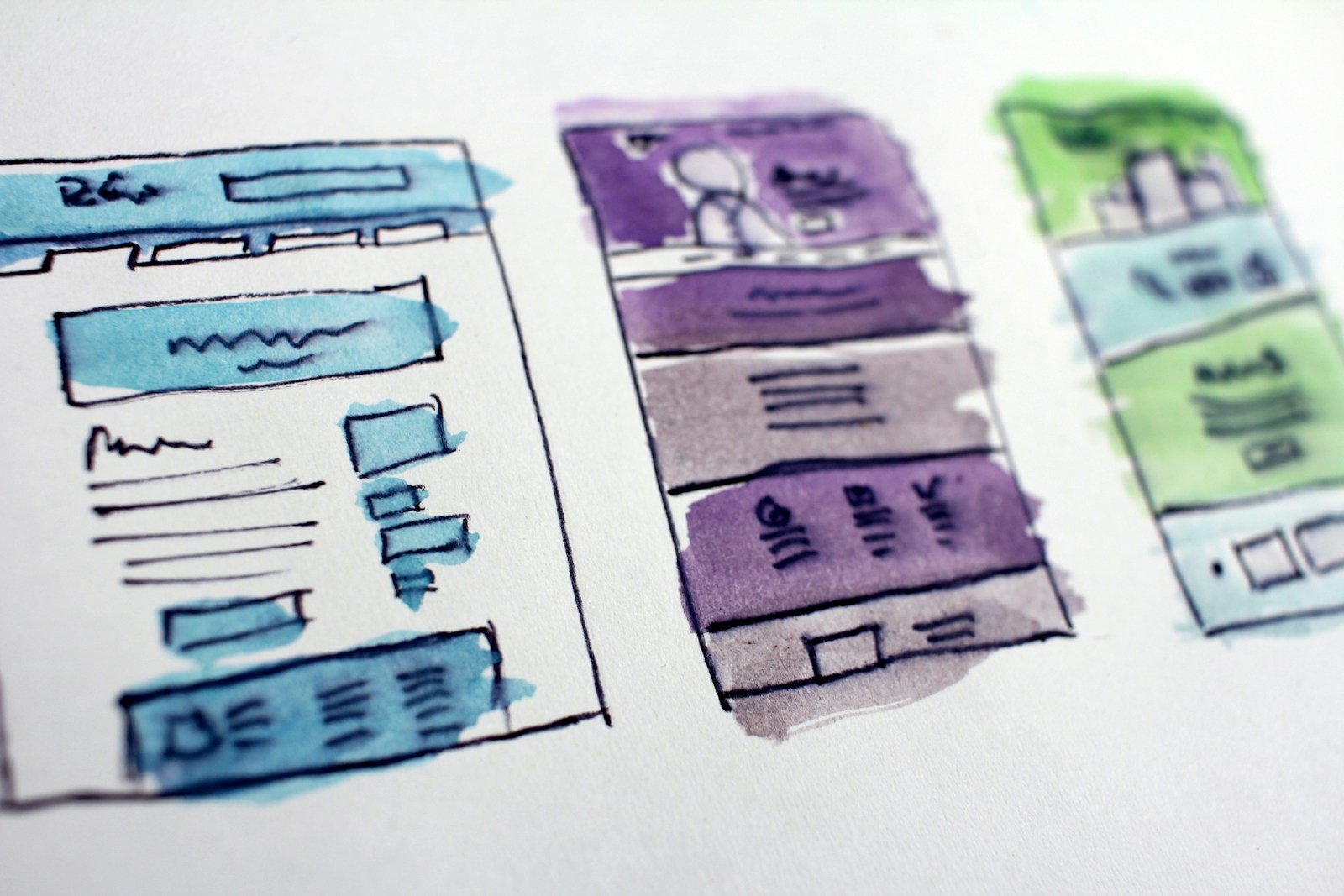
Watercolor wireframe sketches of website page layouts

A theme is a starting look. A consultant helps you decide who the site is for and what to click. Buy a theme when the path is already clear. Hire help when it is not.

Read More

Smartphone showing a website on screen, used for a speed check
/ 14/10/2026 / Comments Off on Core Web Vitals: what actually matters for a normal business site

Core Web Vitals: what actually matters for a normal business site

Core Web Vitals are Google’s simple speed and stability checks. For a normal business site, fix huge images, layout jumps, and slow first tap — not a perfect 100 score.

Read More

Two-screen design desk, comparing Webflow and WordPress as website options
/ 05/10/2026 / Comments Off on Webflow vs WordPress: a simple guide for non-technical clients

Webflow vs WordPress: a simple guide for non-technical clients

Webflow vs WordPress in the same plain language as Framer vs WordPress: pricing, lock-in, CMS, shops, and who should pick which.

Read More

Padlock on a keyboard, standing in for WordPress security and updates
/ 04/10/2026 / Comments Off on A simple WordPress maintenance plan: updates, backups, security, spam

A simple WordPress maintenance plan: updates, backups, security, spam

What a monthly WordPress care plan should actually include: core and plugin updates, backups, security, and spam comments — without the scare tactics.

Read More

Laptop showing small-business tools, used to talk about what a WordPress website really costs
/ 03/10/2026 / Comments Off on What a WordPress website really costs (it is not free)

What a WordPress website really costs (it is not free)

WordPress the software is free. A live site is not. Design, build, hosting, plugins, and yearly care — the numbers to know before a sales call.


Read More