
This guide covers DISALLOW_FILE_MODS WordPress with practical steps you can copy into a real project.
DISALLOW_FILE_MODS WordPress
On a recent client project, I needed to update WordPress and the plugins. In the admin panel, an update-available message was showing, but there was no option to update WordPress and no Add New plugin button in the Plugins menu. There was also no plugin-update notice, even though updates were available. See the screenshot for more details.
WordPress 4.9.8 is available! Please do notify the site administrator.
Error message
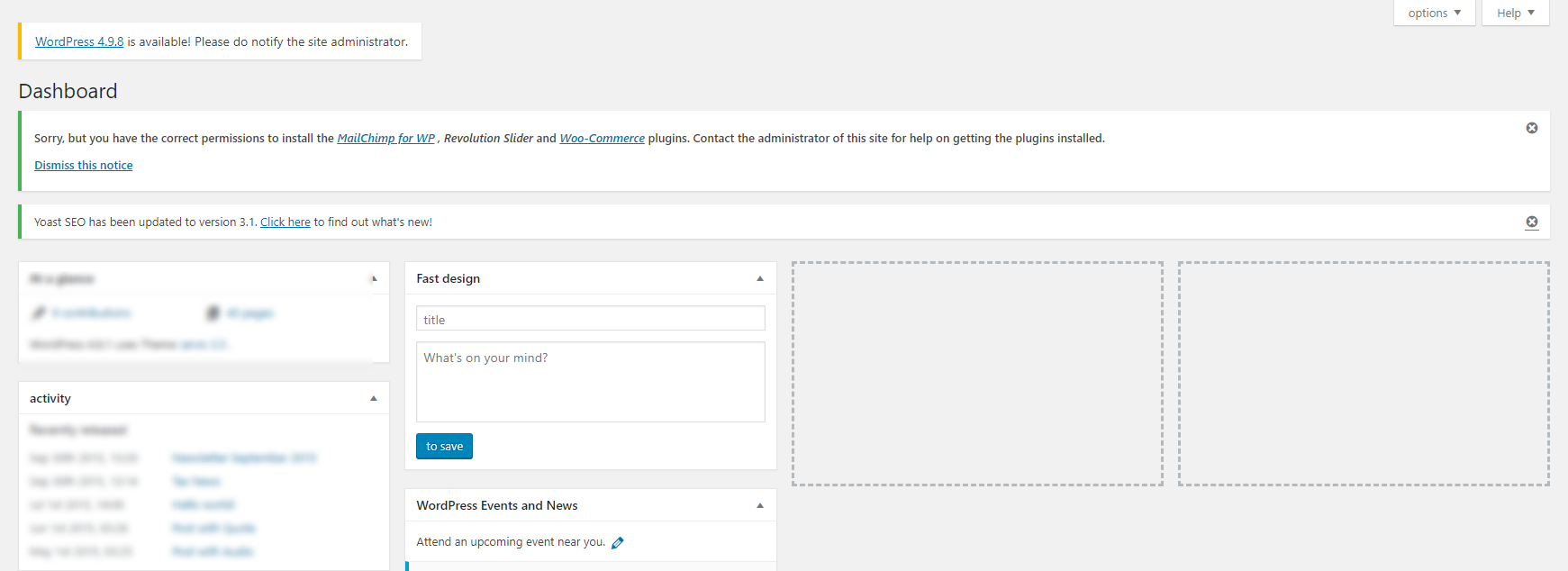
I checked wp-config.php in case a previous developer had disabled updates. That file did not contain code disabling DISALLOW_FILE_MODS, so I added the line below and it worked.
define(‘DISALLOW_FILE_MODS’,false);
Note: Also check whether it is set to true. If it is, set it to false.
Let me know if you need any help. Happy to help.
Related reading
Questions? Use the contact page.
Reference: WordPress DISALLOW_FILE_MODS.


Recent Comments