
This guide covers Visual Composer template.get is not a function with practical steps you can copy into a real project.
Visual Composer template.get is not a function
One of our clients came to us and said that Visual Composer elements did not load in the page editor after updating to WordPress 4.8.
When we checked, it looked like the image below.
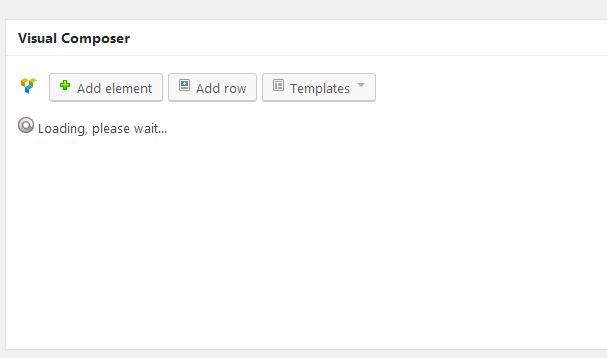
The error in the browser console was “$template.get is not a function”.
After searching online, we found this link and a solution.
If you have the same error, follow the steps below. In our case, the Salient theme was installed on the client’s website.
Step 1: Open this location: themes/salient/wpbakery/js_composer/assets/js/backend/
Step 2: Open the composer-view.js file.
Step 3: Replace the code at line 62 with the snippet below and save the file.
Step 4: Check the page editor. The problem should be fixed.
Feel free to ask if you have any questions.
Related reading
Questions? Use the contact page.
Reference: WordPress support.


Recent Comments