
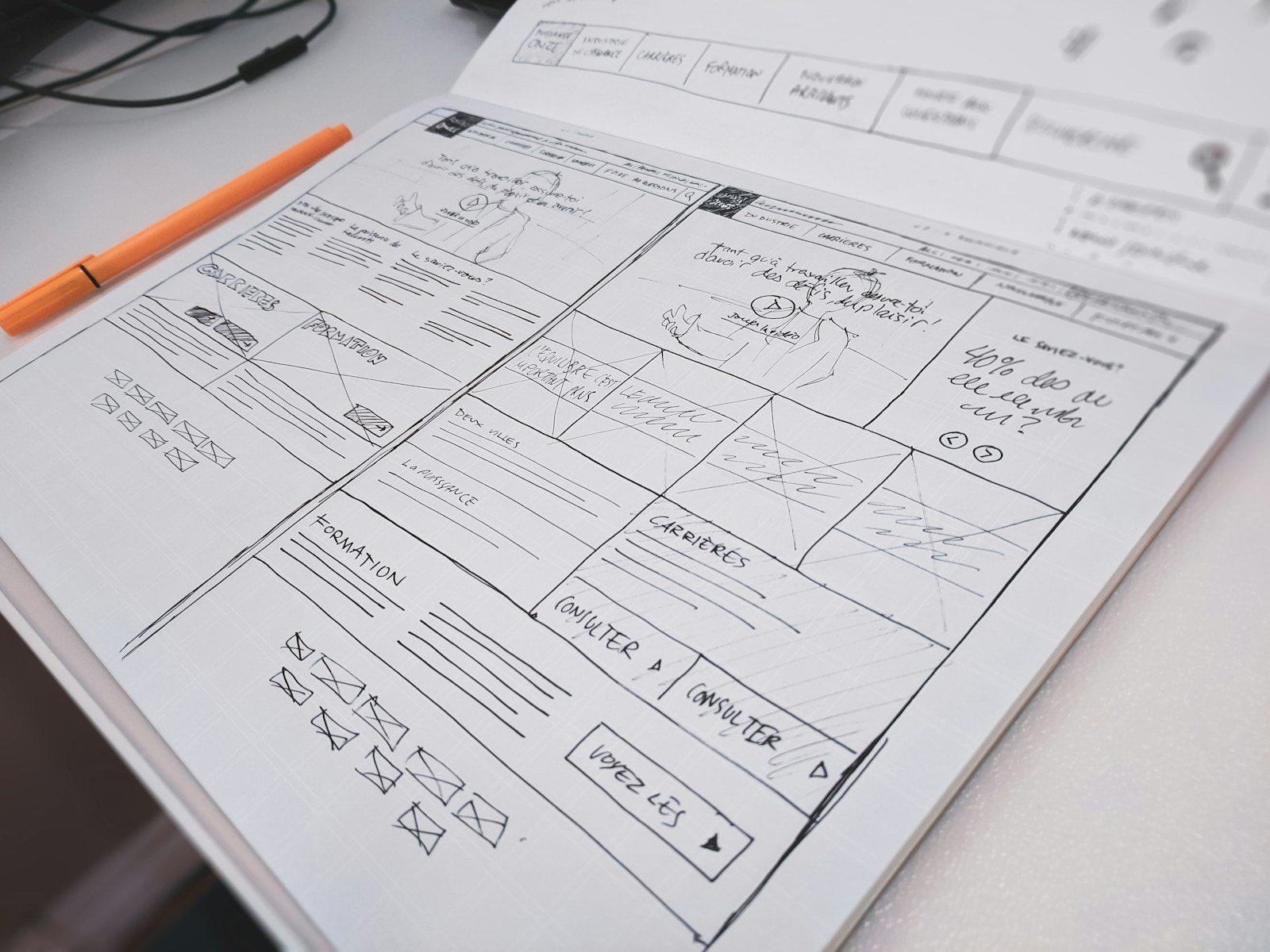
Figma is where the design lives (frames, type, colours). Webflow is where the live site lives. Moving from one to the other is not “export and hope”. It is the same discipline as Figma to Elementor: agree the file, then build the repeating pieces, then the homepage.
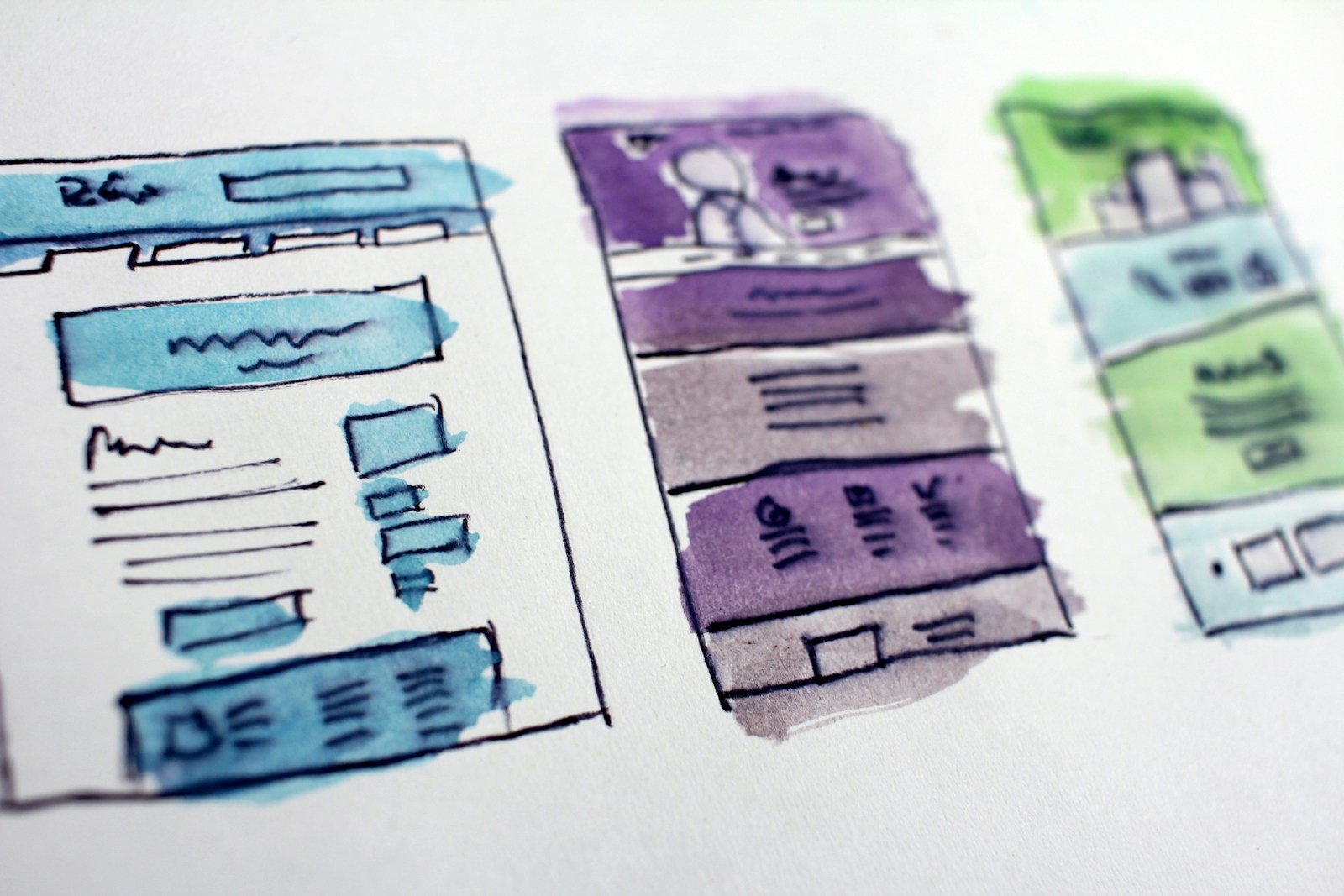
Step 1 — Freeze a build file
One Figma page called “Build”. No hidden experiments. Type styles named Heading 1, Heading 2, Body. Colours named, not 14 close greens. If the designer is still moving buttons, you are not building yet.
Step 2 — Mark collections vs one-off pages
Anything that repeats (work, team, blog) becomes a CMS collection. One-off pages (home, about, contact) stay static. This is the same split you would make for Elementor Loop Grid vs a unique landing page.
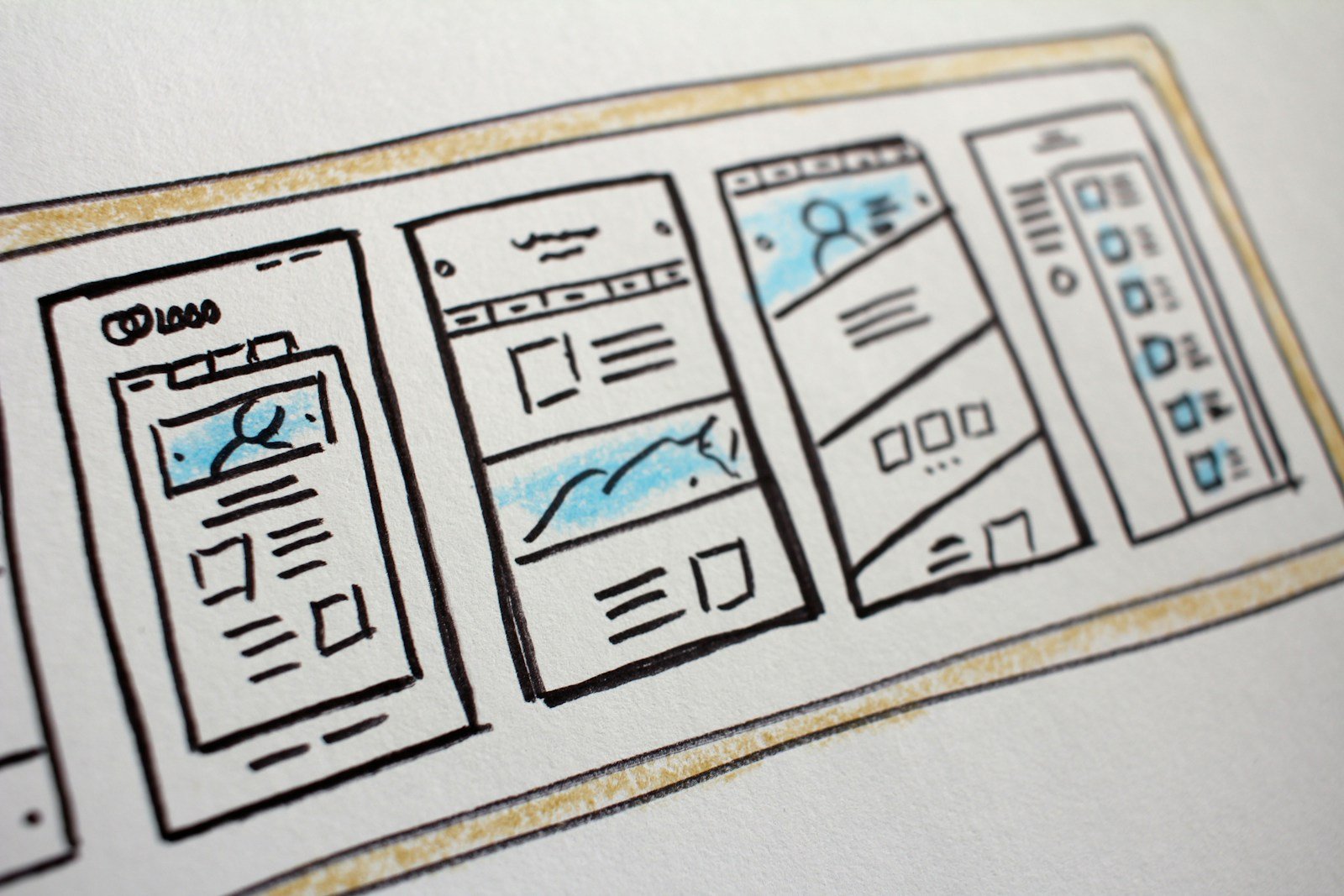
Step 3 — Build in this order
- Style guide in Webflow (type, colours, buttons).
- Nav and footer.
- CMS templates with 3 real items.
- Inner pages.
- Homepage last, using the same components.
- Forms, SEO titles, 301s if you are replacing an old site.
Skipping to a pretty homepage first is how you get a site nobody can update.
Want a 15-minute Figma file review?
Share a view link. I will say what is build-ready and what still needs naming before Webflow time is worth spending.


Recent Comments