
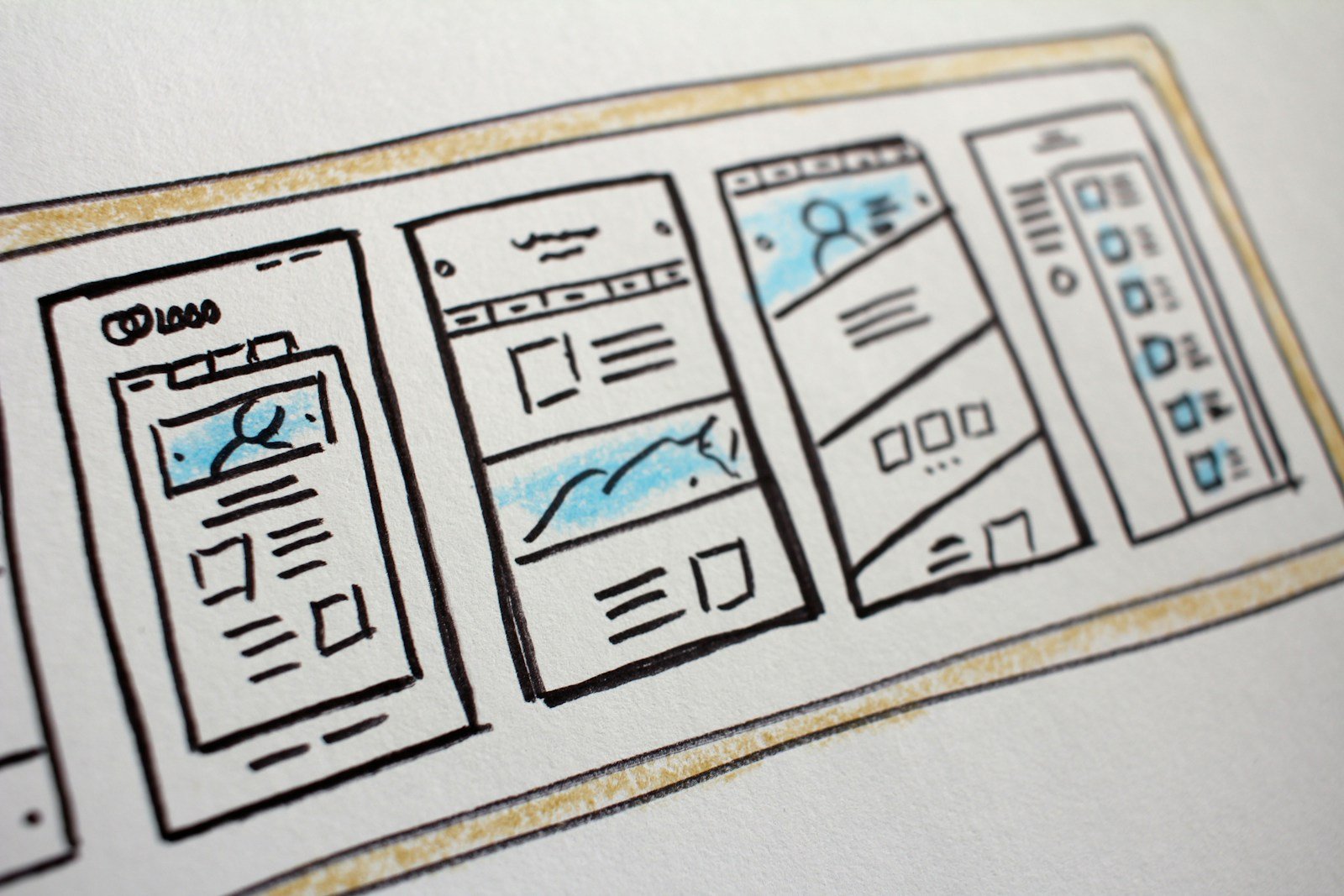
Framer is a visual website tool that feels close to a design file. Pages can look like a film: scroll, motion, one clear story. WordPress is a blog engine at heart (posts, categories, years of articles). Mixing them up wastes money.
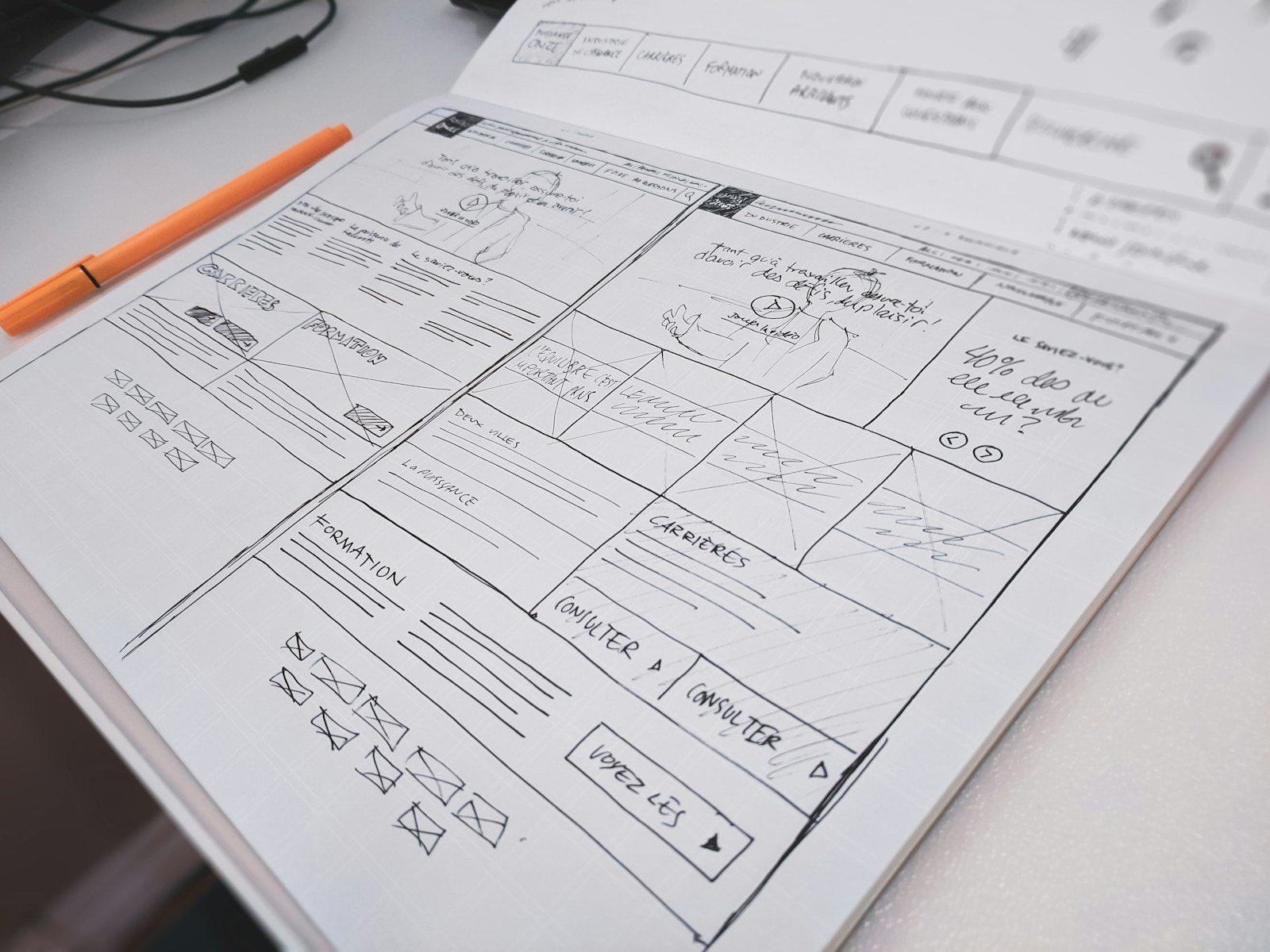
When Framer is the better fit
- A product launch that lives for 6–12 weeks.
- A brochure for a studio: few pages, heavy on look, little “news”.
- Marketing owns motion and layout, and they will not publish 40 blog posts.
- You already designed in Figma and want the live page to match tightly.
When WordPress (or Webflow) is kinder
- You need a blog, resources, or SEO pages every month.
- A shop, membership, or many plugins.
- A non-designer must add pages without breaking the animation.
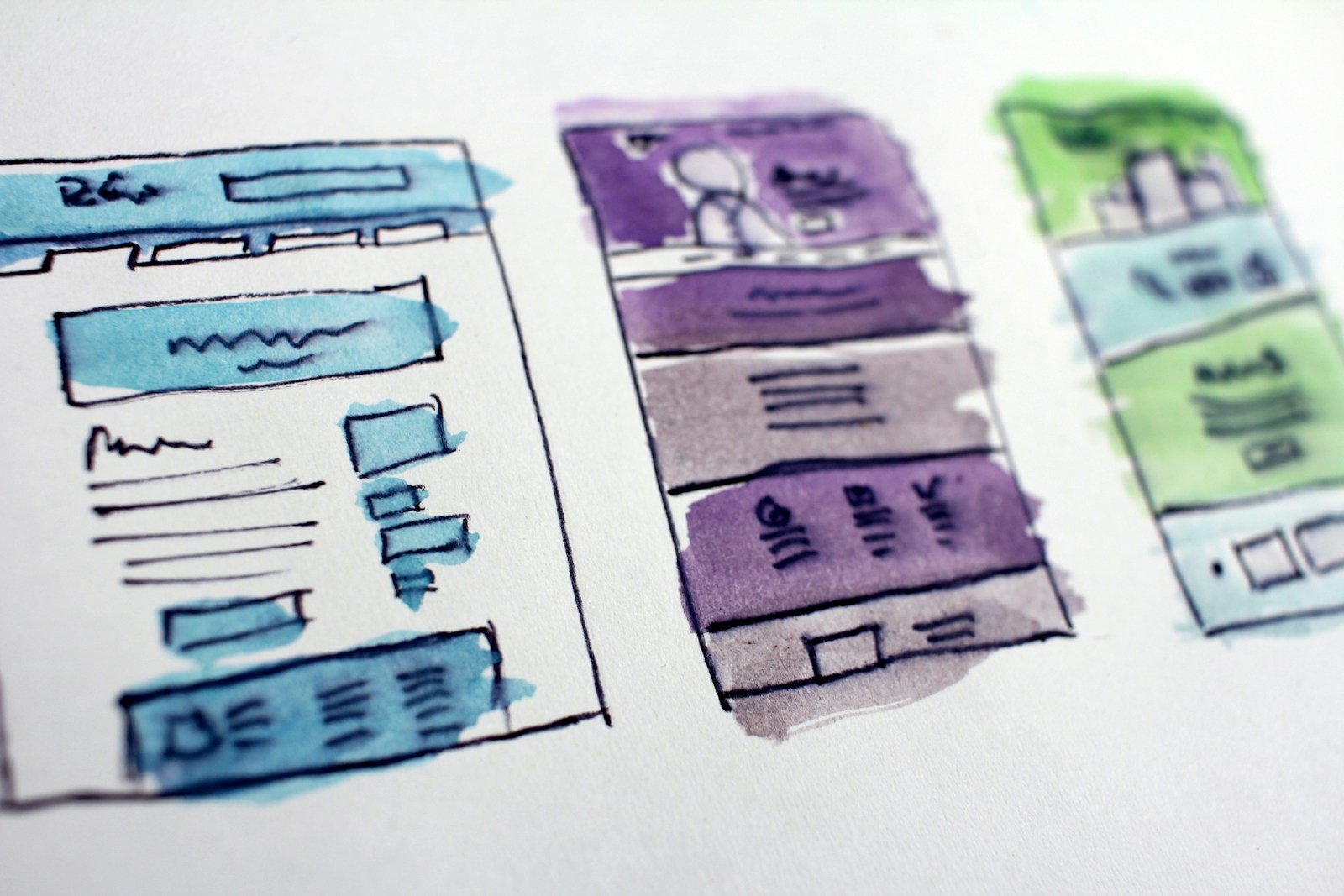
A simple rule
If the homepage is the product, Framer can shine. If the archive of articles is the product (guides, news, listing pages), start on WordPress. You can still build a Framer landing page and send paid traffic there, while the main site stays WordPress.
Want a 15-minute tool pick?
Say how many new pages you add per month. That number usually decides Framer vs WordPress faster than a feature list.


Recent Comments