
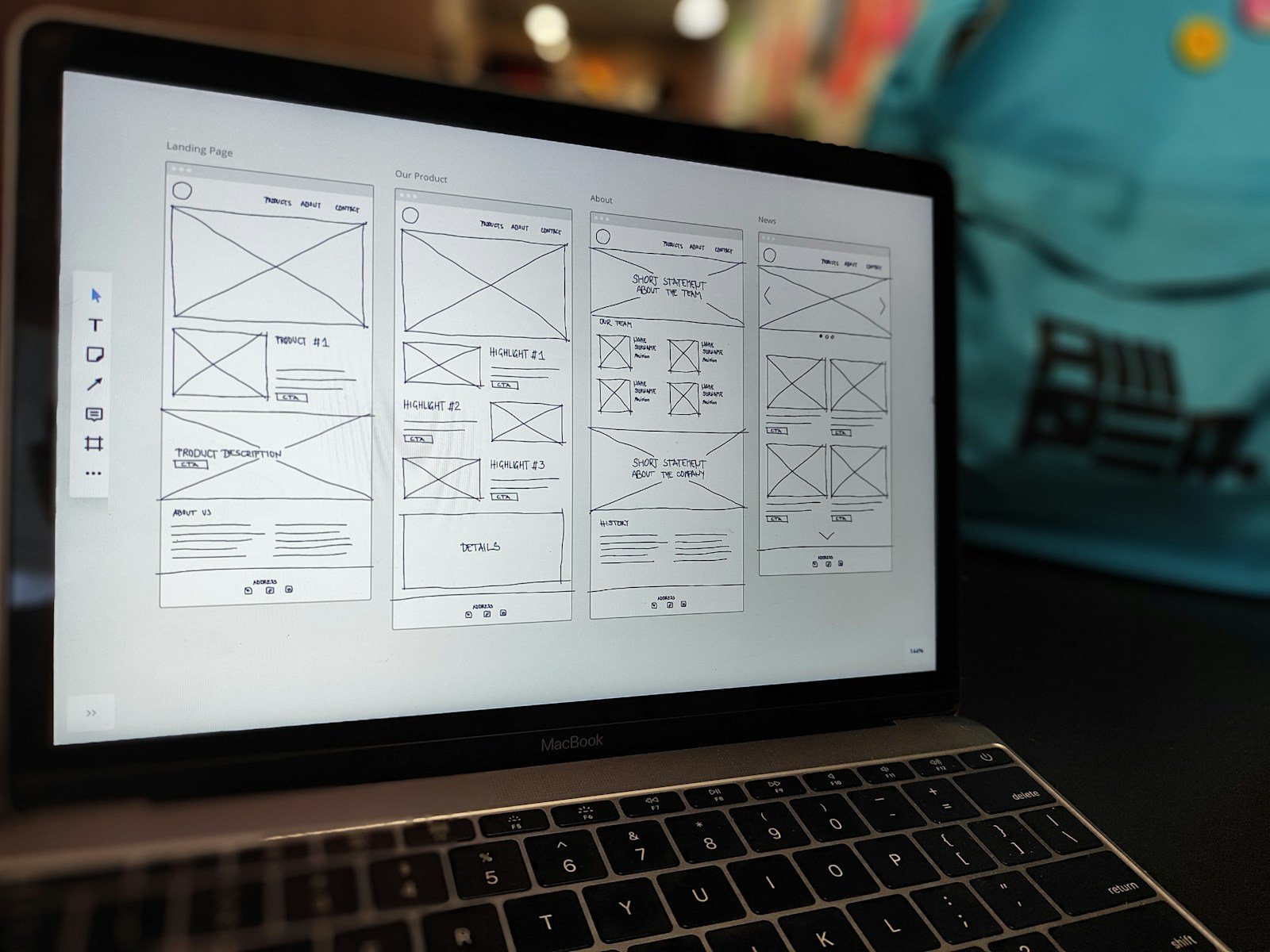
Elementor is the drag-and-drop builder many WordPress sites use. v3 is the editor most live sites already run. Atomic (Elementor’s newer building model) is not a small paint job. It changes how widgets and styles are put together.
If you turn it on the live homepage because a YouTube video said “next generation”, you can break the page your ads point to.
What “stage first” means in plain words
A staging site is a private copy of the website. Customers never see it. You test the new builder there, click every menu, fill a form, and check the shop if you have one.
Your host (or a plugin) can make that copy. If you do not have staging, take a full backup first — files plus database — and restore it on a subdomain like stage.yoursite.com.
Do this before Atomic (or any big Elementor jump)
- Write down what must keep working: contact form, thank-you page, checkout, header phone number.
- Clone the site. Do not experiment on production (the public site).
- Update WordPress, theme, and Elementor on staging only.
- Rebuild one inner page in Atomic. Then the homepage. Not everything on day one.
- Get a non-builder person to click the copy on a phone.
- Only then plan a quiet weekday switch, with the backup still handy.
When you should wait
- A campaign is live this week.
- Nobody on the team can restore a backup.
- The theme and Elementor are already fighting each other.
Waiting is cheaper than an emergency rebuild.
Want a 15-minute staging plan?
Tell me the host name. I will say whether to use their copy tool, a plugin, or “do not touch Atomic until backup is proven”.


Recent Comments