
Owners often tell me: sales are flat, so we need a new theme. A theme is the ready-made look of the shop (colours, product-page layout, header). Swapping it is like changing the paint. Paint does not fix a blocked door.
What a theme swap actually changes
- How collections and product cards look
- Header, footer, and mobile menu
- Some app blocks (reviews, size charts) if the new theme supports them
What it usually does not change: your product photos, shipping story, ads landing on the wrong page, or a 12-field checkout.
When a theme swap is enough
- The shop already sells, but the current theme is old, broken on phones, or fighting your apps.
- You can list the 5 pages that make money (home, collection, product, cart, checkout) and the new theme handles all five.
- You have time to re-test apps after the switch. Theme swaps break things quietly.
When you need a redesign (the offer and the path)
A redesign means you decide who this is for, what they buy first, and the next click — then the theme (or custom sections) follows that path.
Reach for redesign if:
- People land, scroll, and leave. They never find “what you sell” in 5 seconds.
- You have 40 collections and no “start here” for a first-time buyer.
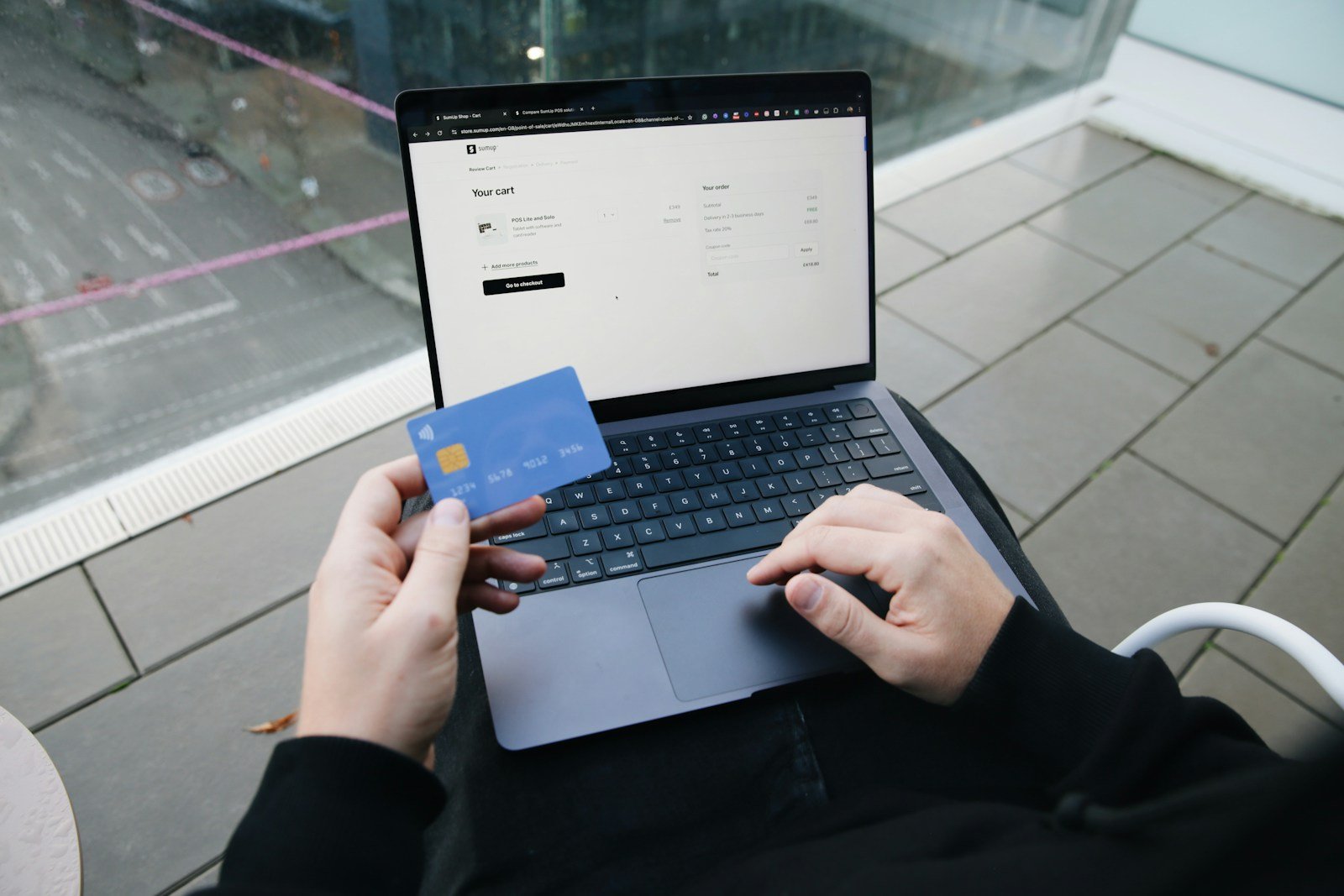
- Checkout is the leak (surprise shipping, login walls, extra apps).
- You already changed themes once and the numbers did not move.

A 20-minute test before you pay for either
- Open the shop on your phone as a stranger. Time how long until you know the product and the price.
- Add to cart. Count extra steps before pay.
- Ask one customer: “Where did you get stuck?” Write that down. That sentence is your brief — not “make it modern”.
If the stuck moment is “I could not find the size” or “shipping looked scary”, fix that page. Do not buy a whole new skin.
Want a 15-minute look at your shop path?
Send the live URL. We will say theme swap, targeted sections, or leave the look and fix checkout first.


Recent Comments