

A builder upgrade is when the tool that paints your pages jumps a version. It can fix bugs. It can also blank a section you did not touch. The boring work — backup then staging — is what keeps the business site up.
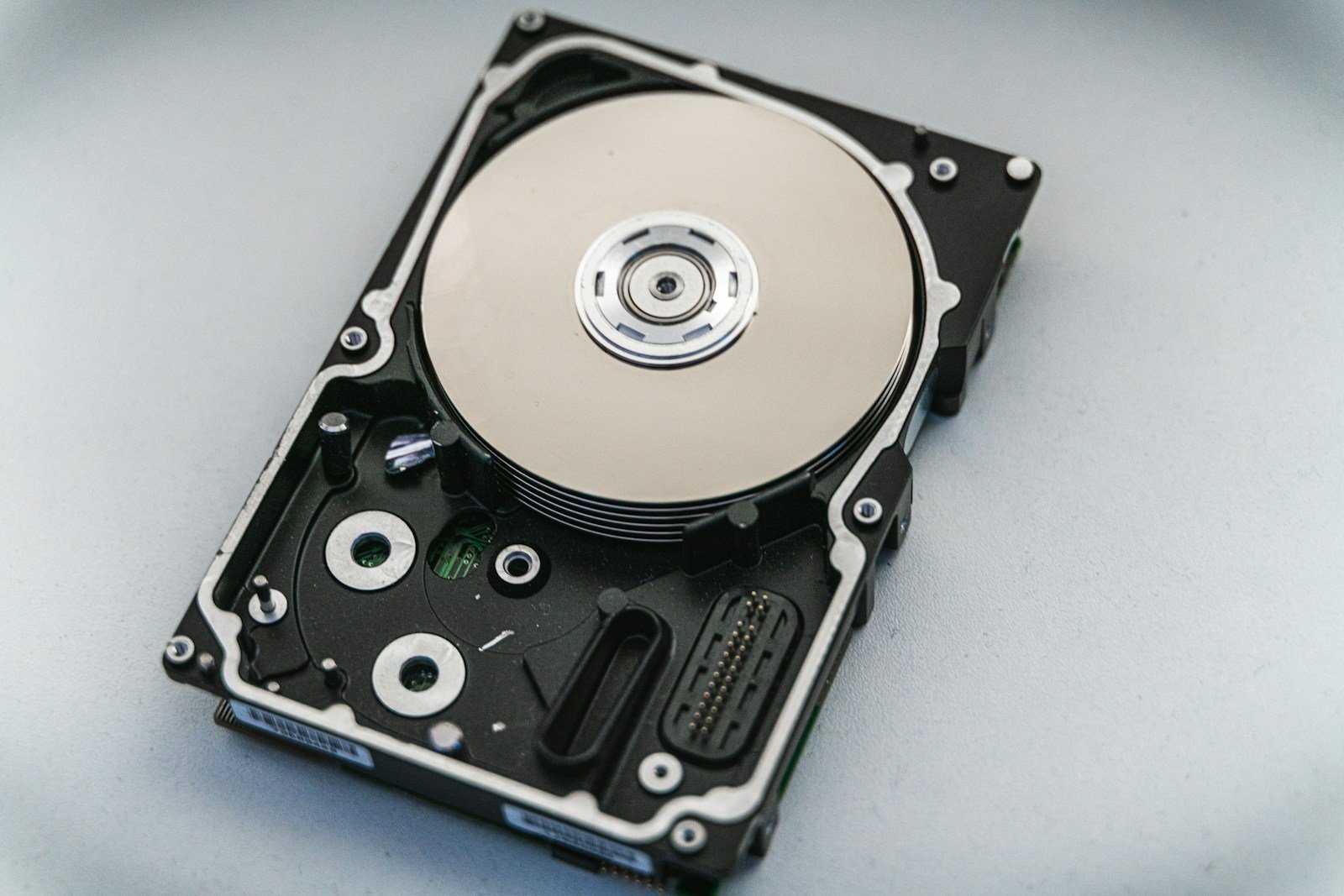
Backup means you can go back
You need two pieces: the files (theme, plugins, uploads) and the database (pages, settings, shop orders). Hostinger, most hosts, and plugins like UpdraftPlus can do this. Download a copy off the server too. A backup that only lives on the same broken disk is a hope, not a plan.
After you have a backup, click restore once on staging so you know the file is not empty. An untested backup is a story.
Staging means customers do not watch the experiment
Clone the site to a private URL. Turn off emails on staging so test form fills do not spam you. Then:
- Update WordPress core.
- Update the builder and theme.
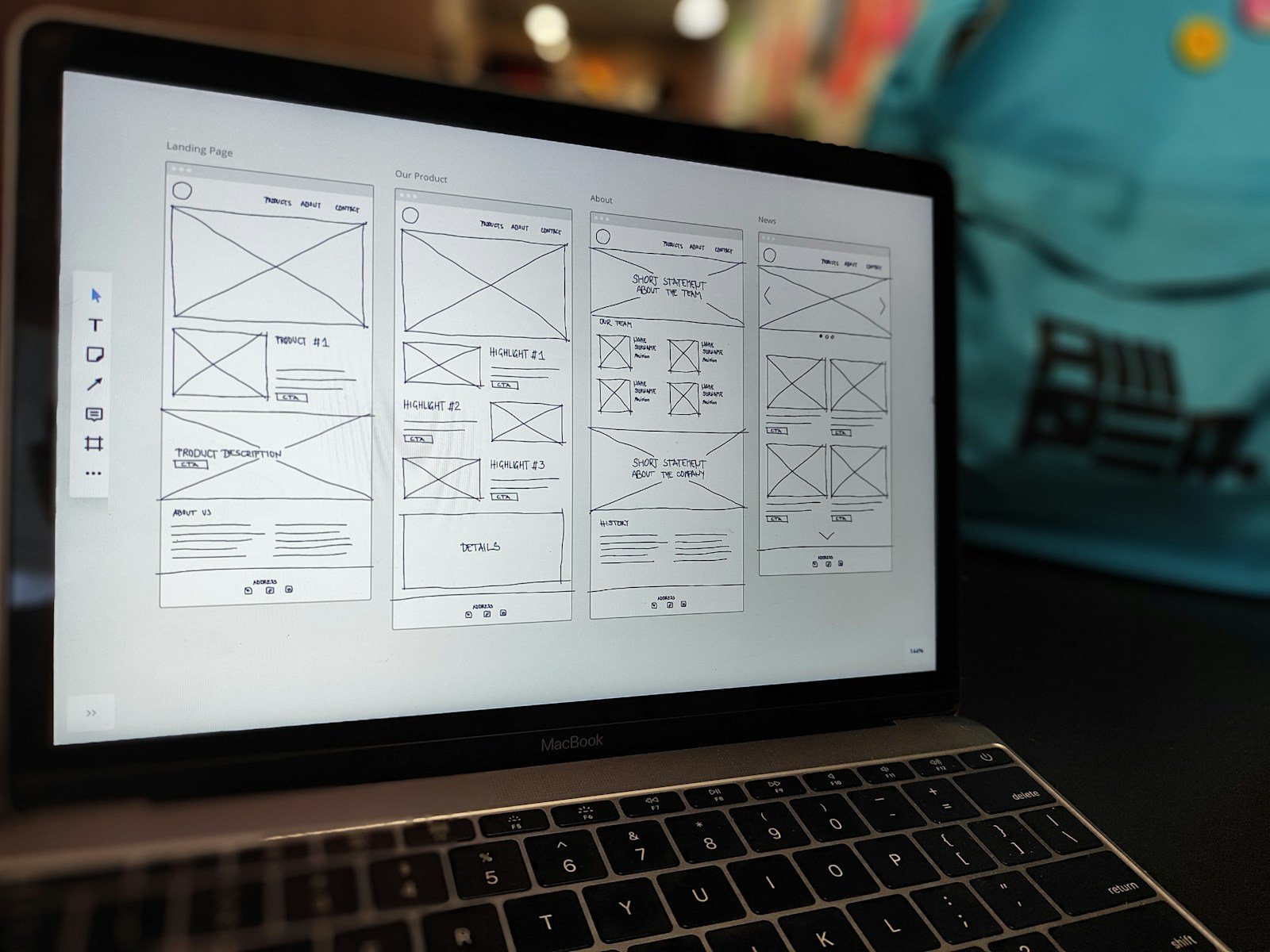
- Click header, footer, forms, shop, and the pages ads send people to.
- Check on a phone.
Then production, slowly
Pick a quiet hour. Backup production again. Apply the same updates. Keep the previous backup for 7 days. If something looks wrong, restore. Do not “fix live” for two hours while Google ads keep spending.
Want a 15-minute pre-upgrade check?
Bring host login (you stay in control) or a screenshot of your backup plugin. We will say if you are safe to update this week.

